The play guide
How to play Ludo Master
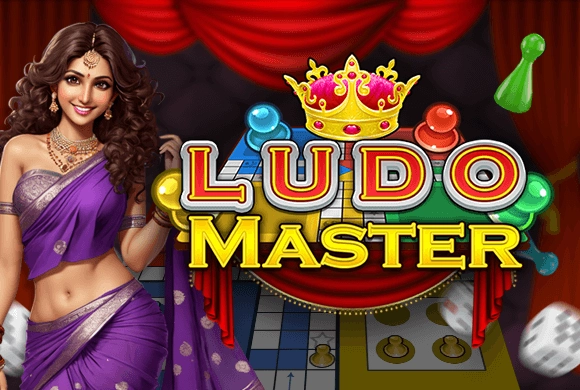
Ludo Master puts the decision after the die roll. The number fixes the distance, but choosing the token determines which route advances and whether a capture occurs. Classic play aims to bring all tokens home; Quick Mode has a different, shorter objective, so the mode matters before the first move.
Your goal
Move your tokens into home and meet the selected mode's victory condition before the opponents.
Controls
Tap the die to roll, then tap an eligible token to move it by the rolled amount.
Your first round
- Choose the player setup and game type.
- On your turn, tap the die and inspect the eligible tokens.
- Select the token whose move best supports progress or a useful capture.
- Continue around the board toward home under the chosen mode's rules.
This guide is based on the supplied game instructions.
Tips for your next attempt
- Compare the available tokens before choosing the furthest possible advance.
- Look for an opponent's token that can be sent back by an exact landing.
- Check the chosen mode's win condition rather than applying the full Classic objective to Quick Mode.
Watch out for
- Advancing the same token every turn can overlook useful options from another token.
- Quick Mode should not be assumed to use the same finishing requirement as Classic.
Something not working?
Tell us the game name, your device and what happened at qian@minigame.com.