The play guide
How to play Freecell solitaire
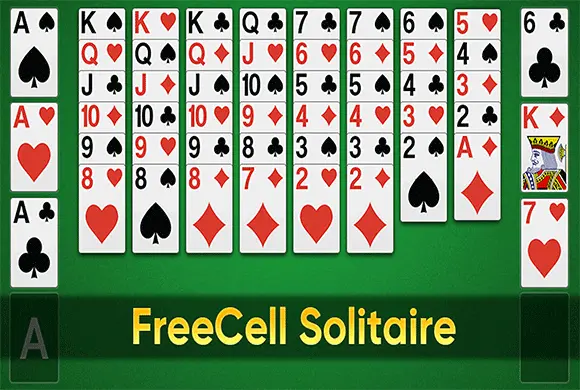
FreeCell uses two different ordering rules. Tableau columns run downward in alternating colors, while foundations run upward from Ace to King in one suit. Empty cells and columns provide the space needed to uncover buried cards and move longer ordered sequences.
Your goal
Move all 52 cards to the four foundations, each built from Ace to King by suit.
Controls
Drag a card to its destination, or use the game's tap-to-move interaction. Use Undo to reverse a move and the lightbulb for a hint.
Your first round
- Look for accessible Aces and the cards that block other low foundation cards.
- Build descending, alternating-color sequences in the tableau, using free cells for temporary access.
- Move eligible cards to their suit foundations while preserving enough empty space to rearrange the remaining columns.
This guide is based on the supplied game instructions.
Tips for your next attempt
- Before putting a card in a free cell, identify a likely place to move it next.
- An empty column can create more maneuvering room than a small immediate foundation move.
- When considering a sequence transfer, check the available empty cells and columns rather than assuming any stack can move at once.
Watch out for
- Filling every free cell early can leave useful cards exposed but impossible to rearrange.
- Tableau and foundation order run in opposite directions and use different color rules.
Something not working?
Tell us the game name, your device and what happened at qian@minigame.com.