The play guide
How to play Smart Cut
Smart Cut asks for equal portions of a shape, not simply a line through its visible midpoint. Irregular outlines make that distinction matter. The result reports each piece's area, giving you feedback for adjusting a cut and improving its star rating.
Your goal
Divide the shape into equal-area pieces within the allowed moves.
Controls
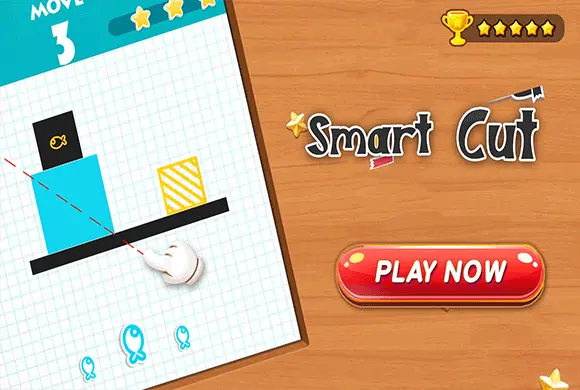
Hold and drag a mouse or finger to draw a straight cutting line, then release to make the cut.
Your first round
- Check the level objective and the number of available cuts.
- Plan a straight line using the outline and background grid as references.
- Drag and release to cut, then compare the area percentages.
- Restart to refine an uneven division or use TIP when you need guidance.
This guide is based on the supplied game instructions.
Tips for your next attempt
- Judge area rather than only comparing the widths of the two pieces.
- Use the background grid to estimate where the shape's area is concentrated.
- After an uneven cut, compare the displayed percentages before choosing a new line.
Watch out for
- Equal-looking widths can contain unequal areas when the shape is asymmetric.
- Adding a cut without checking the move allowance can leave no cut for the remaining division.
Something not working?
Tell us the game name, your device and what happened at qian@minigame.com.