The play guide
How to play Draw Lines
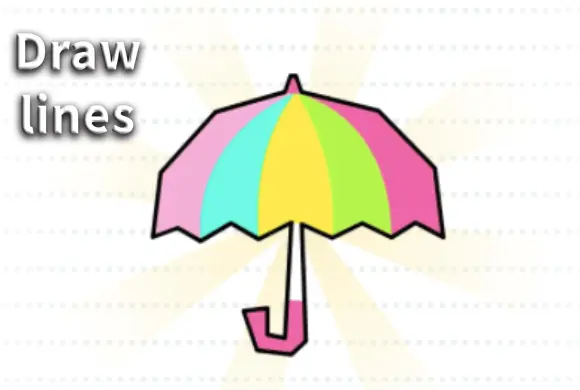
Draw Lines is an accuracy task with a visible answer. The dotted outline shows where the drawing belongs, and a solid line records the part you have completed. Careful tracing matters more than inventing a new shape.
Your goal
Complete the entire dotted outline.
Controls
Hold and drag a mouse or finger along the dotted outline. Release to pause and resume from the unfinished segment.
Your first round
- Find the highlighted part of the picture and begin tracing it.
- Follow its curves and corners with a held drag.
- Return to the segment's starting point if the stroke stops registering, then continue until the outline is complete.
This guide is based on the supplied game instructions.
Tips for your next attempt
- Follow the red highlighted section rather than choosing any part of the picture.
- Slow the stroke at corners so it stays on the dotted path.
- If the line stops registering, return to the correct starting point of that segment.
Watch out for
- Dragging outside the dotted path may not add any progress.
- Continuing from the wrong point after a missed segment can leave the outline unfinished.
Something not working?
Tell us the game name, your device and what happened at qian@minigame.com.