The play guide
How to play Remove Block
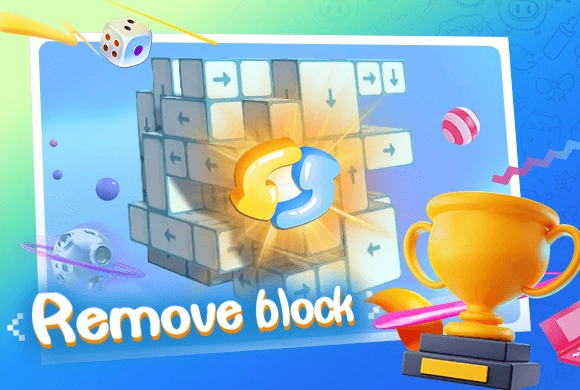
Remove Block is an ordering puzzle in three dimensions. The arrow fixes a cube's departure direction, while other cubes can obstruct that route. Turning the view does not change the rule; it reveals dependencies that a flat view may hide.
Your goal
Remove the complete block structure by finding a valid disassembly sequence.
Controls
Click or tap a block to remove it. Drag or swipe the background to rotate the structure.
Your first round
- Inspect the arrows and find a cube with open space along its exit direction.
- Tap that cube to remove it.
- Rotate the structure when the next opening is hidden.
- Repeat the process as removals expose more free cubes.
This guide is based on the supplied game instructions.
Tips for your next attempt
- Trace the arrow all the way out of the structure before selecting its block.
- Rotate to inspect a blocked-looking section from the other side.
- After freeing a cube, check which neighbors have gained an exit path.
Watch out for
- A visible outer face does not guarantee an open exit in the arrow's direction.
- Repeatedly tapping a blocked cube does not remove the cube obstructing it.
Something not working?
Tell us the game name, your device and what happened at qian@minigame.com.