The play guide
How to play Squad Arena
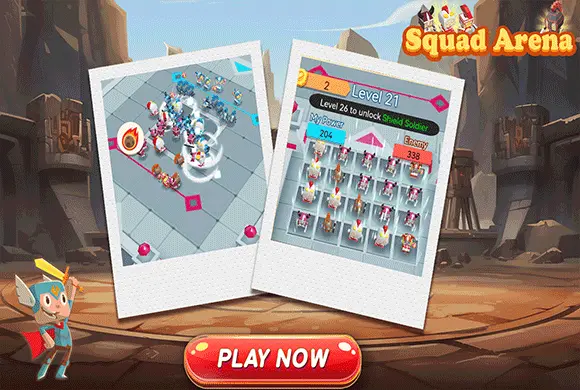
Squad Arena combines resource choices before a fight with movement during it. Coins can expand the squad or strengthen its attacks; the power indicators help assess the matchup. Combat strikes are automatic, but the joystick still lets you influence where the group meets the enemy formation.
Your goal
Defeat the enemy squad and prepare for the next arena.
Controls
Click or tap upgrade and Start buttons. Drag the virtual joystick to guide the squad during combat.
Your first round
- Compare the two power indicators and review the available upgrade choices.
- Spend coins on Add More or Enhance Power as appropriate for the squad.
- Select Start, then guide the group with the virtual joystick while attacks occur automatically.
- Use the battle reward to improve preparation for the next opponent.
This guide is based on the supplied game instructions.
Tips for your next attempt
- Compare My Power with Enemies before spending or starting the round.
- Consider whether adding another soldier or strengthening the existing squad better addresses the current gap.
- Use the joystick to adjust position during combat instead of assuming the preparation phase is your only input.
Watch out for
- Automatic attacks do not mean the squad cannot be repositioned.
- Starting with a large power deficit without reviewing upgrades makes the next fight harder.
Something not working?
Tell us the game name, your device and what happened at qian@minigame.com.