The play guide
How to play Find out
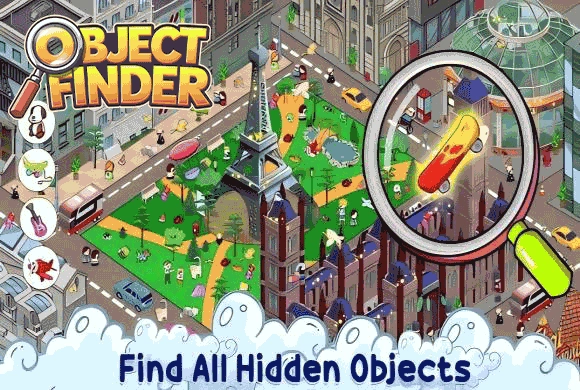
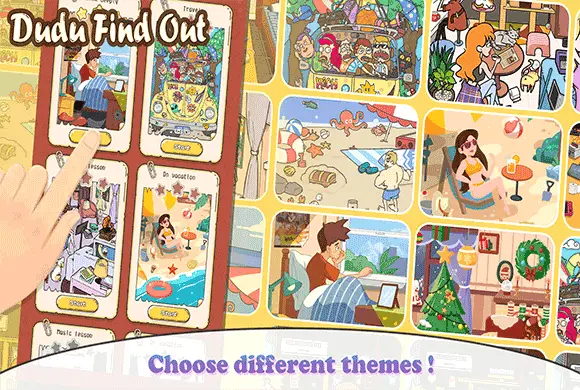
Find out uses the target list to turn a detailed illustration into a set of specific searches. Some targets are visible in the drawing; others become available through an interaction. Zooming helps with detail, while panning lets you examine the enlarged scene methodically.
Your goal
Locate every target item shown beneath the scene.
Controls
Tap to collect a target or interact with the scene. Pinch to zoom and drag to pan a zoomed view.
Your first round
- Read the target list and scan a manageable section of the illustration.
- Tap a matching item to collect it.
- Interact with plausible hiding places or zoom into small details when a target remains missing.
- Continue until all listed objects are found.
This guide is based on the supplied game instructions.
Tips for your next attempt
- Compare the silhouette and details of a target with the scene instead of searching by color alone.
- Inspect doors, containers and overlapping objects when a target is not visible.
- Search one section at a time so a crowded picture does not repeatedly pull you back to the same area.
Watch out for
- A similar-looking decoration is not necessarily the listed target.
- Only scanning the exposed surface can miss items behind interactive scenery.
Something not working?
Tell us the game name, your device and what happened at qian@minigame.com.