The play guide
How to play Tap Blocks Out
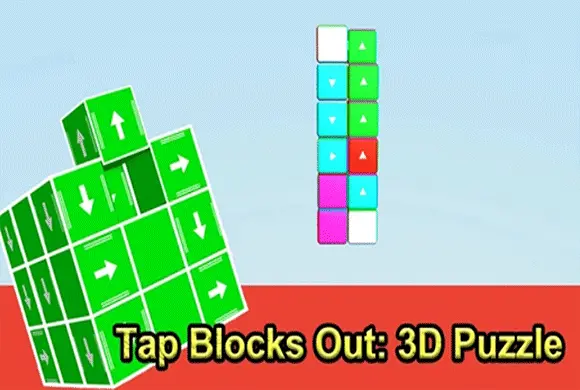
A cube's arrow identifies its exit direction. Rotation changes your view of the structure, not the cube's rule. Check behind a promising block before tapping; a hidden cube along the same line can still prevent it from leaving.
Your goal
Remove every cube from the structure.
Controls
Tap a block to send it along its arrow. Swipe the empty background to rotate the structure.
Your first round
- Find an outward-facing arrow with a clear exit path.
- Tap its cube to remove it.
- Swipe on the empty background to inspect newly exposed blocks from another angle.
This guide is based on the supplied game instructions.
Tips for your next attempt
- Find blocks with a completely clear exit path first.
- Rotate the structure to inspect hidden blocks when no front-facing move is available.
Watch out for
- A cube that looks exposed from one side may be blocked farther along its exit line.
- Tapping the cube and dragging the background perform different actions.
Something not working?
Tell us the game name, your device and what happened at qian@minigame.com.