The play guide
How to play Pattern Puzzle 3D Game
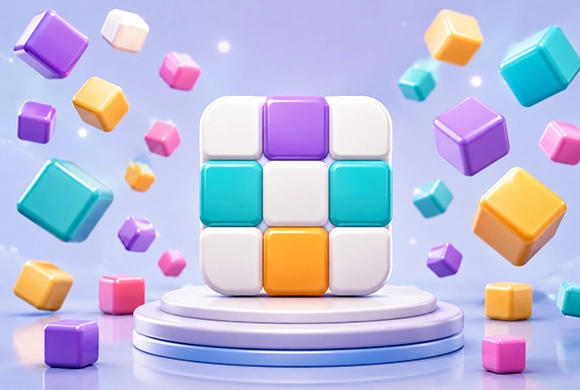
The target picture specifies the final tile states, but a click can affect more than one tile. First observe the change caused by a move, then compare the whole affected area with the target. Solving one square in isolation can undo its neighbors.
Your goal
Make the main grid match the displayed target pattern.
Controls
Click or tap tiles to change the grid's state.
Your first round
- Compare the grid with the target and locate a mismatch.
- Tap or click a tile and observe every position that changes.
- Plan the next move using that interaction pattern, checking the entire grid before finishing.
This guide is based on the supplied game instructions.
Tips for your next attempt
- Observe which tiles change after one input before planning several moves.
- Compare corners and edges with the target to narrow down the remaining differences.
Watch out for
- Assuming only the selected tile changes can create new mismatches.
- Repeating moves without comparing the target wastes steps.
Something not working?
Tell us the game name, your device and what happened at qian@minigame.com.