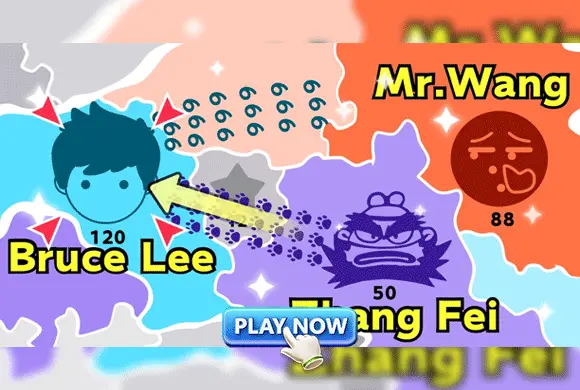
The play guide
How to play My Field
My Field makes territory valuable in two ways: it provides a position on the map and generates more units over time. Drawing an attack connection can expand that production network, but it also commits strength while enemies may be attacking elsewhere. Reading the counts across the map is more useful than concentrating on a single battle.
Your goal
Capture the map while defending the territories already under your control.
Controls
Click and drag from an owned territory to an adjacent target to send troops. Use the upgrade menu between levels to improve starting units or production speed.
Your first round
- Inspect your territory counts and the adjacent neutral or enemy areas.
- Drag a connection to a target your available forces can contest.
- Watch the changing counts and maintain enough strength against enemy attacks.
- Capture the remaining areas and use victory rewards for starting-unit or production upgrades.
This guide is based on the supplied game instructions.
Tips for your next attempt
- Compare the target's troop count with the force you can commit.
- Wait for production or combine support from multiple territories before attacking a stronger target.
- Check exposed borders before sending troops away from a defended area.
Watch out for
- Attacking a larger force before reinforcements are available can waste the committed troops.
- A successful attack is less useful if another border collapses while your attention is elsewhere.
Something not working?
Tell us the game name, your device and what happened at qian@minigame.com.